.step, .stl or a drawing? Which file you need, in plain words
These three get mixed up all the time, most of all by people new to 3D printing. Here is what each one is, what it is good for, and why one costs more than the other.
Send us a photo of your partCustomers ship parts to us from all over the USA.
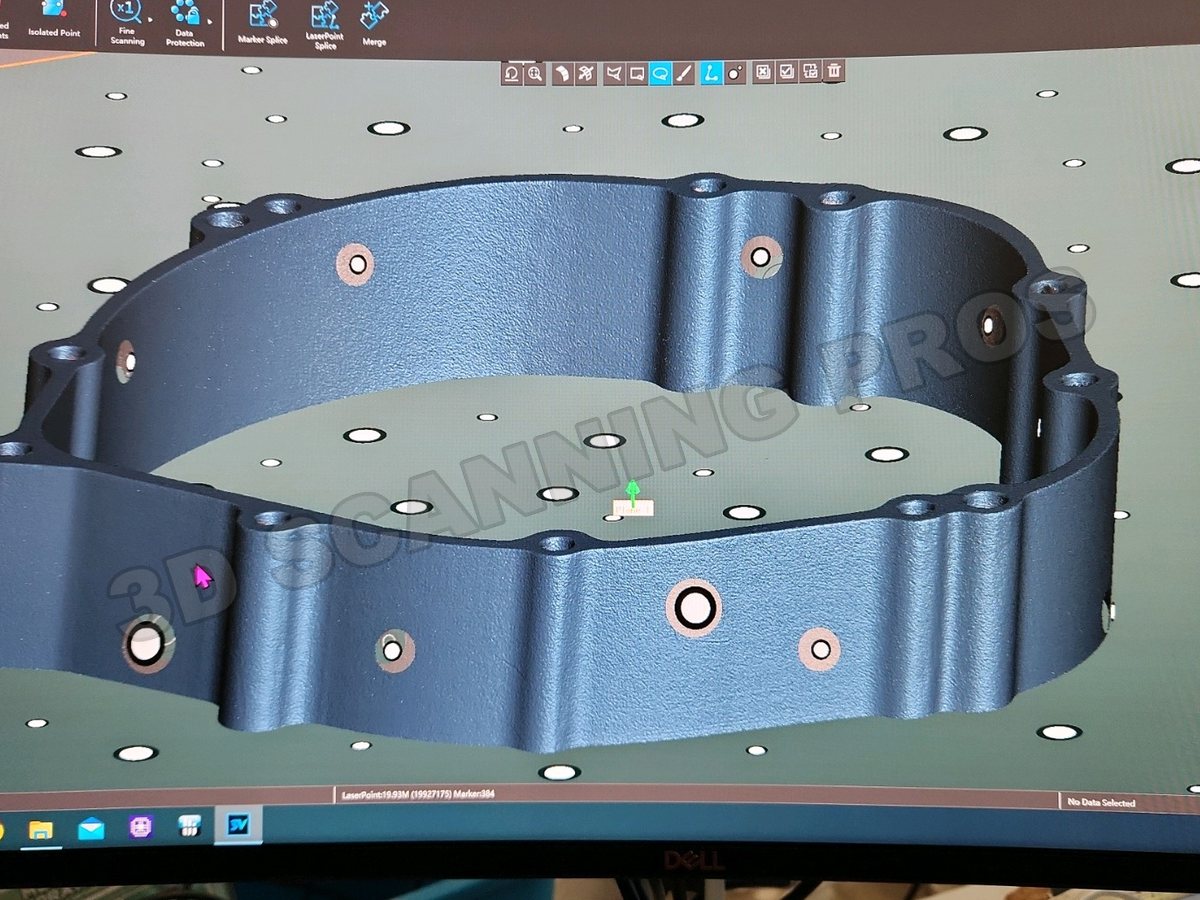
.stl: the scanned file
An .stl file is a mesh. It is the outside of the part covered in thousands or millions of tiny flat triangles. It is what a 3D scanner gives you, and it is what a 3D printer's slicer reads.
A scanned .stl copies the part exactly as it sat on the table: the wear, the dents, the rough cast skin, all of it. It has no true flat faces, no truly round holes and no exact sizes. You cannot easily change it, and a machine shop cannot cut a part from it.
.step (Solid Model): the engineered file
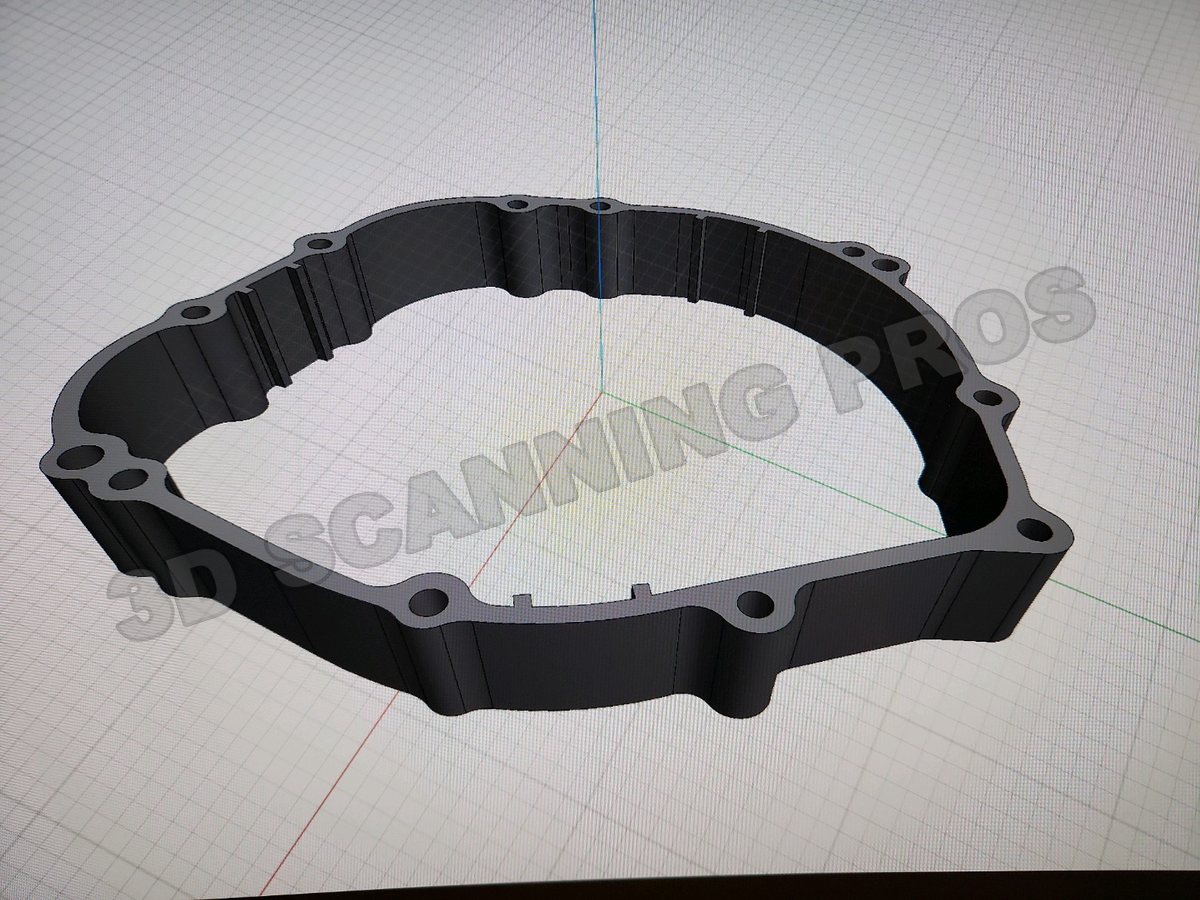
A .step file is a solid model. Flat faces are flat, round holes are round, and every size is exact. It is what CAD and CAM programs work with, and what a machine shop quotes, programs and cuts from.
A scanner cannot make a .step. A person builds it, either from the scan (that is reverse engineering) or from a drawing.
A drawing: 2D on paper or PDF
A drawing shows the part in flat views with the sizes written on them. A person can read it. A 3D printer or a CNC machine cannot. It has to be converted into a .step solid model first.
Side by side
| .stl | .step (Solid Model) | Drawing | |
|---|---|---|---|
| What it is | A mesh of tiny triangles | A solid model with exact faces and sizes | Flat 2D views with sizes written on |
| Where it comes from | A 3D scan, or saved out of a .step | Built by a person, from a scan or a drawing | Drawn by a person |
| 3D printing | Yes, this is what the slicer reads | Yes, it turns into an .stl in seconds | Not until it is made into a .step |
| CNC machining | No | Yes, this is what the shop needs | Not until it is made into a .step |
| Easy to change | No | Yes | Has to be redrawn |
| Cost to get | Lowest: just the scan | More: a person rebuilds the part | You may already have it |
The part that confuses people
Going from .step to .stl is easy. Any CAD program does it in seconds, and the 3D print from it comes out clean: flat where it should be flat, round where it should be round, and on size.
Going from .stl to .step is the hard direction. Nothing does that with a button. A person rebuilds the part in CAD with the scan as the guide, and that skilled work is what you pay for.
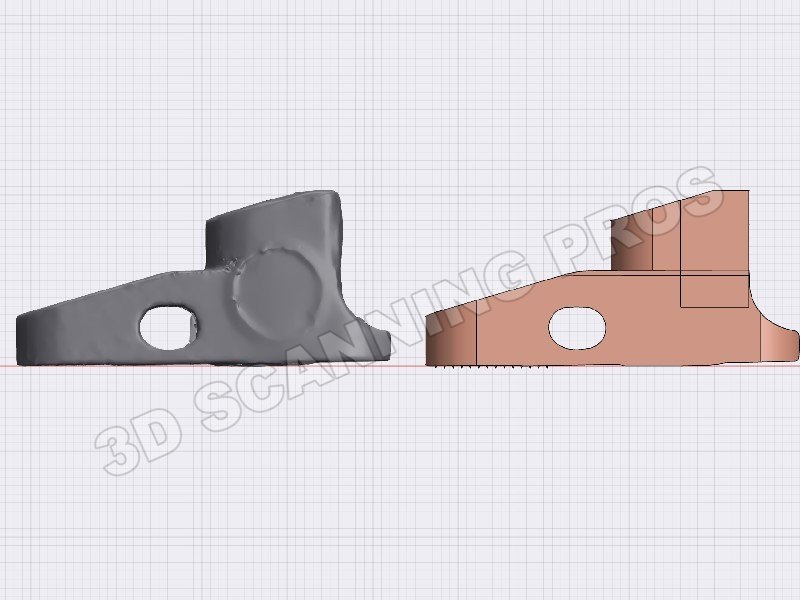
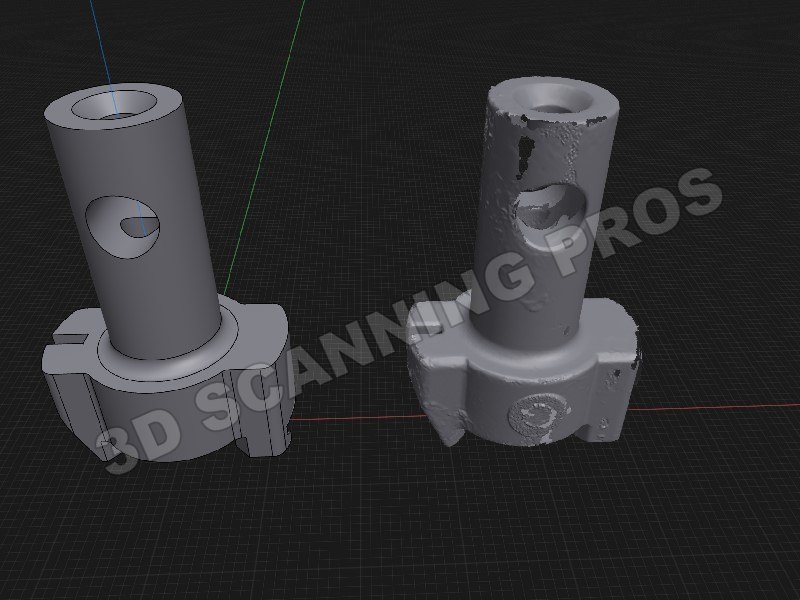
Two real jobs. The rough part is the .stl scan; the clean one is the .step (Solid Model) built from it. More of these in our work.
See it for yourself: turn a clean solid model and a rough scan of the same part in our free 3D viewer, or open your own .stl in it.
A toy, or a part that has to fit?
- Scan it and print straight from the .stl. The low-cost way. Right for a toy, a figure, a display piece, anything that only has to look like the original. It will carry over every flaw of the part that was scanned.
- Reverse engineer it to a .step, then make the .stl from that. The right way for a part that has to fit, seal, bolt up or run. It costs more.
Which one you need depends on what the part is for, and only you can decide that. Tell us what the part has to do when you email, and we will tell you what each way involves.
What we do
- 3D scanning: your part as an .stl.
- Reverse engineering: your part as a .step solid model.
- Drawings converted to .step.
- 3D print files and machine-ready files.
Questions people ask
What is the difference between an .stl and a .step file?
An .stl is a mesh of tiny triangles, which is what a 3D scan gives you and what a 3D printer reads. A .step is a solid model with exact faces and sizes, which is what CAD programs and machine shops use.
Can an .stl be turned into a .step?
Not with a button. A person has to rebuild the part in CAD using the .stl as the guide. That is reverse engineering, and it is why a .step costs more than a scan.
Can a .step be turned into an .stl for 3D printing?
Yes, in seconds, in any CAD program. A print made that way comes out clean, because the .stl was made from exact faces and sizes and not from a scan of a worn part.
Why did my scanned part print rough or not fit?
Because an .stl from a scan copies the part exactly as it is, with its wear, dents and rough surfaces. For a part that has to fit, it needs to be reverse engineered into a .step solid model first.
Do I need a .step or an .stl?
If it is a toy or a display piece, an .stl from a scan is usually enough. If it is a part that has to fit, you want a .step. Only you can decide which it is.
I only have a drawing. Can it be 3D printed or machined?
Yes, once the drawing is converted into a .step solid model. We do that.
Do I have to be near you?
No. We are in Walterboro, South Carolina, and customers ship parts to us from all over the USA. Email a photo of your part to lee@scanningpros.com first. Once we have looked at the job, we tell you where to send it. Every package must have a return shipping label in the box, so we can send your part back to you. No exceptions.
More from Scanning Pros
Got a part you want to make?
Email a photo and tell us what you need.
lee@scanningpros.com Call 843-898-6065Ask a question · When you call, leave your name, address and phone number if we are not in
W. L. Thomas, Owner · Scanning Pros · Walterboro, South Carolina
A team of four engineers · 47 years of experience in 3D scanning and reverse engineering · parts shipped to us from all over the USA